

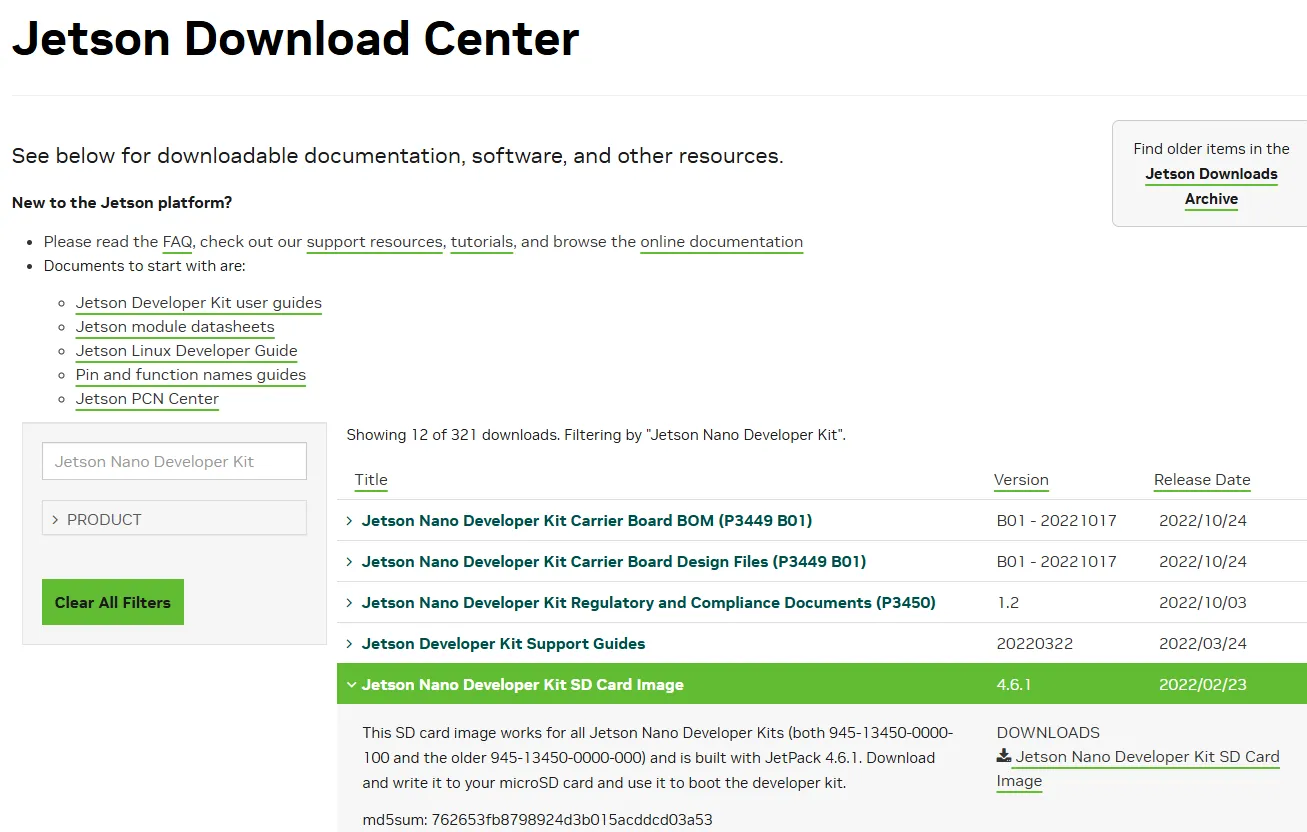
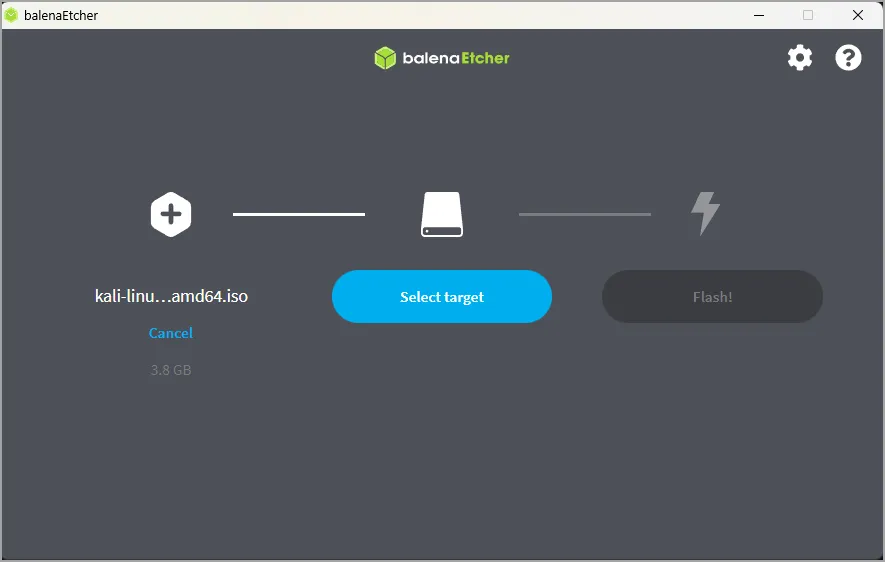
.zip - it is around 6–14 GB, so give it time.Do not unzip it. The flashing tool in the next step reads the .zip directly.
# From another computer on the same network. Find the Nano's IP from your
# router, or run 'ip addr' on the Nano over the serial console first.
ssh embedclub@192.168.1.42

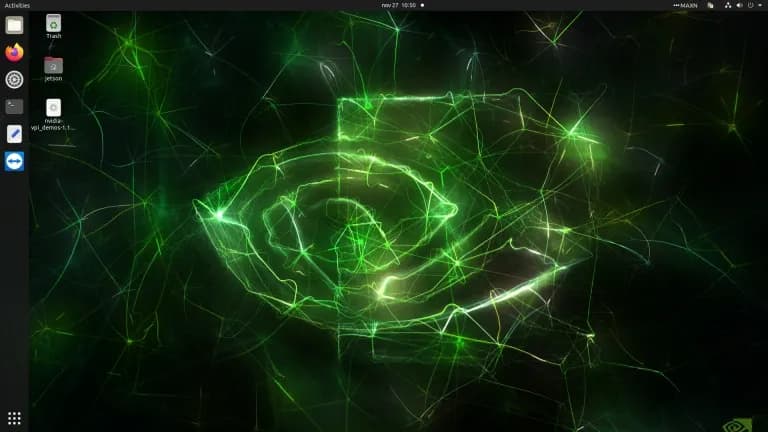
# First login walks through the same Ubuntu setup as the desktop path:
# licence, language, keyboard, timezone, username, password.# blink.py - blink an LED wired to pin 12 (BOARD numbering).
# Wiring: pin 12 -> 220 ohm resistor -> LED anode (long leg);
# LED cathode (short leg) -> pin 6 (GND).
import Jetson.GPIO as GPIO
import time
LED = 12
GPIO.setmode(GPIO.BOARD) # use the physical pin numbers on the header
GPIO.setup(LED, GPIO.OUT)
try:
while True:
GPIO.output(LED, GPIO.HIGH)
time.sleep(1)
GPIO.output(LED, GPIO.LOW)
time.sleep(1)
except KeyboardInterrupt:
pass
finally:
GPIO.cleanup() # release the pin cleanly on Ctrl+C# Run NVIDIA's "Hello AI World" object detection on a live image, using the
# pre-built jetson-inference container so nothing has to be compiled.
sudo docker run --runtime nvidia -it --rm --network host \
--volume ~/jetson-inference/data:/jetson-inference/data \
--device /dev/video0 \
dustynv/jetson-inference:r32.7.1
# Inside the container, detect objects in a sample image:
detectnet images/peds_0.jpg images/out.jpg
# 'out.jpg' now has boxes drawn around every person the model found.# The 4GB Nano runs out of RAM fast under AI workloads. Add 4GB of swap:
sudo systemctl disable nvzramconfig
sudo fallocate -l 4G /mnt/4GB.swap
sudo chmod 600 /mnt/4GB.swap
sudo mkswap /mnt/4GB.swap
sudo swapon /mnt/4GB.swap
# Make it permanent across reboots:
echo '/mnt/4GB.swap swap swap defaults 0 0' | sudo tee -a /etc/fstab