
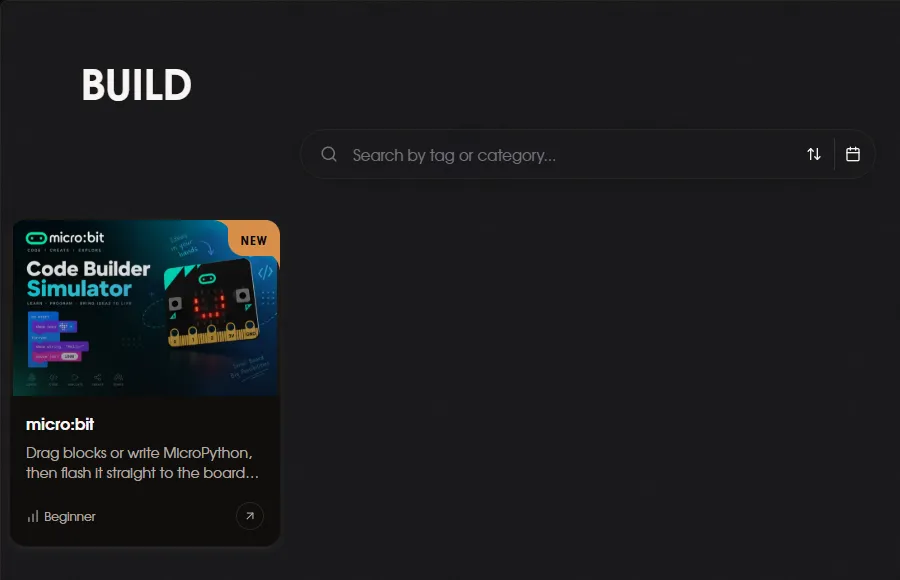
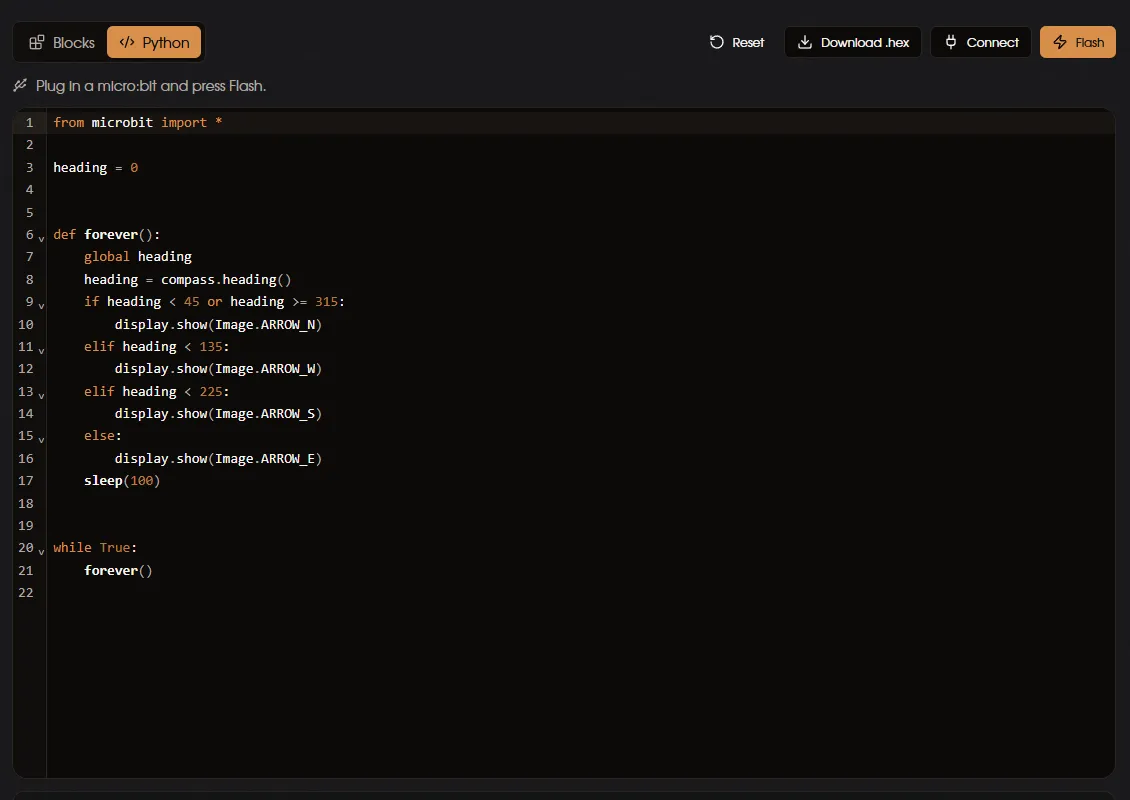
Drag blocks or write MicroPython, then flash it straight to the board over USB - no install, nothing to download.
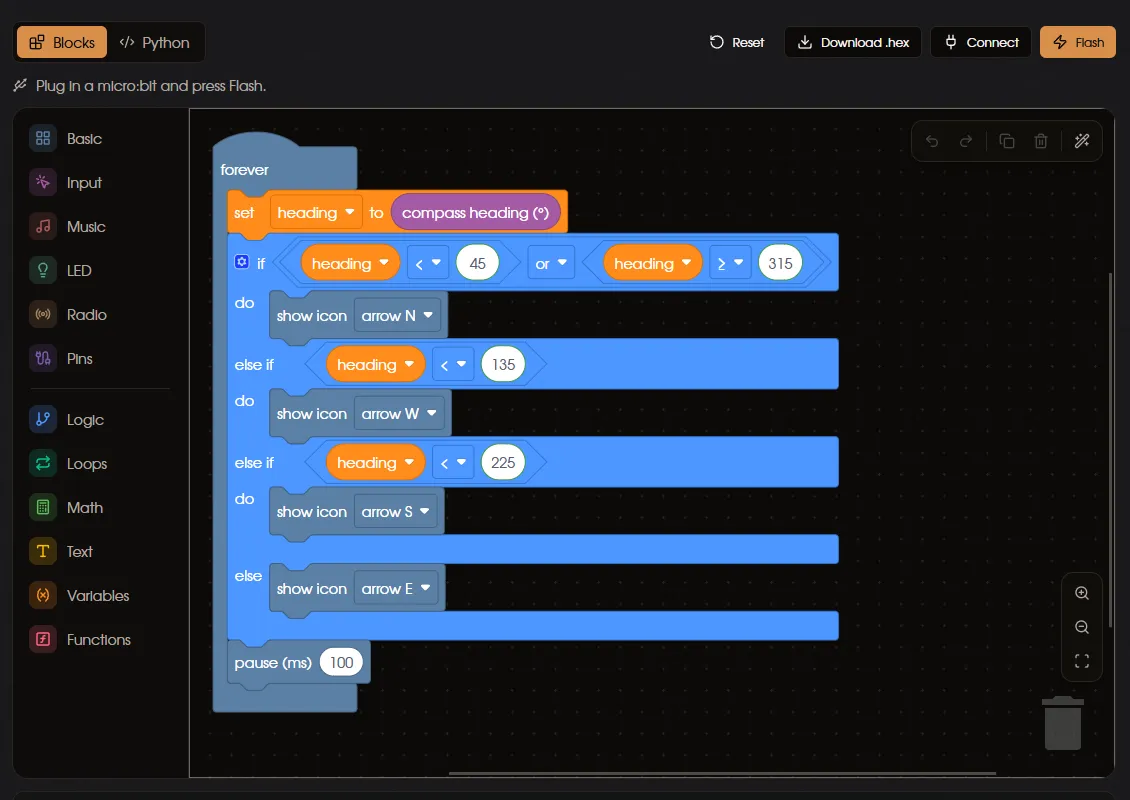
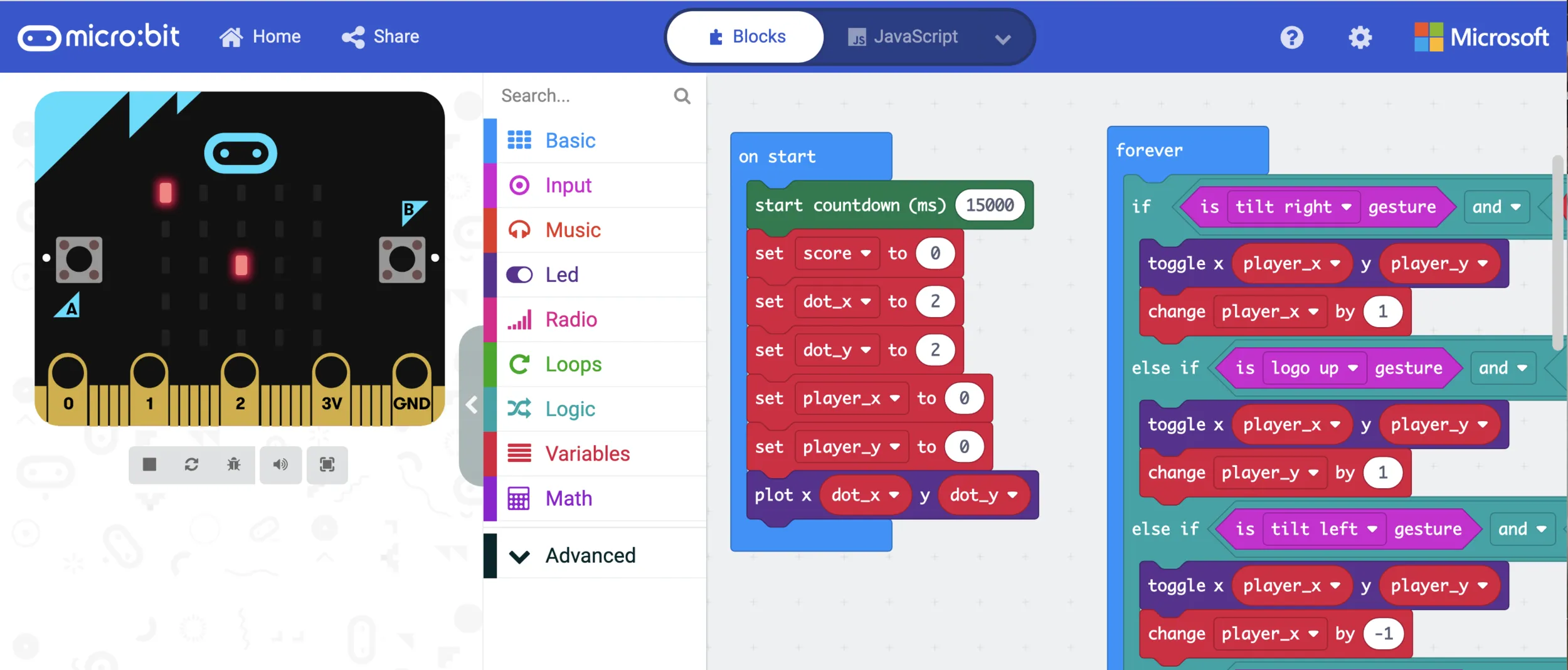
// The blocks you drag in MakeCode are JavaScript underneath. Click the
// "JavaScript" tab in the editor to see this - useful for sharing code as text.
input.onButtonPressed(Button.A, function () {
    basic.showString("A")
})
basic.forever(function () {
    basic.showIcon(IconNames.Heart)
    basic.pause(500)
    basic.clearScreen()
    basic.pause(500)
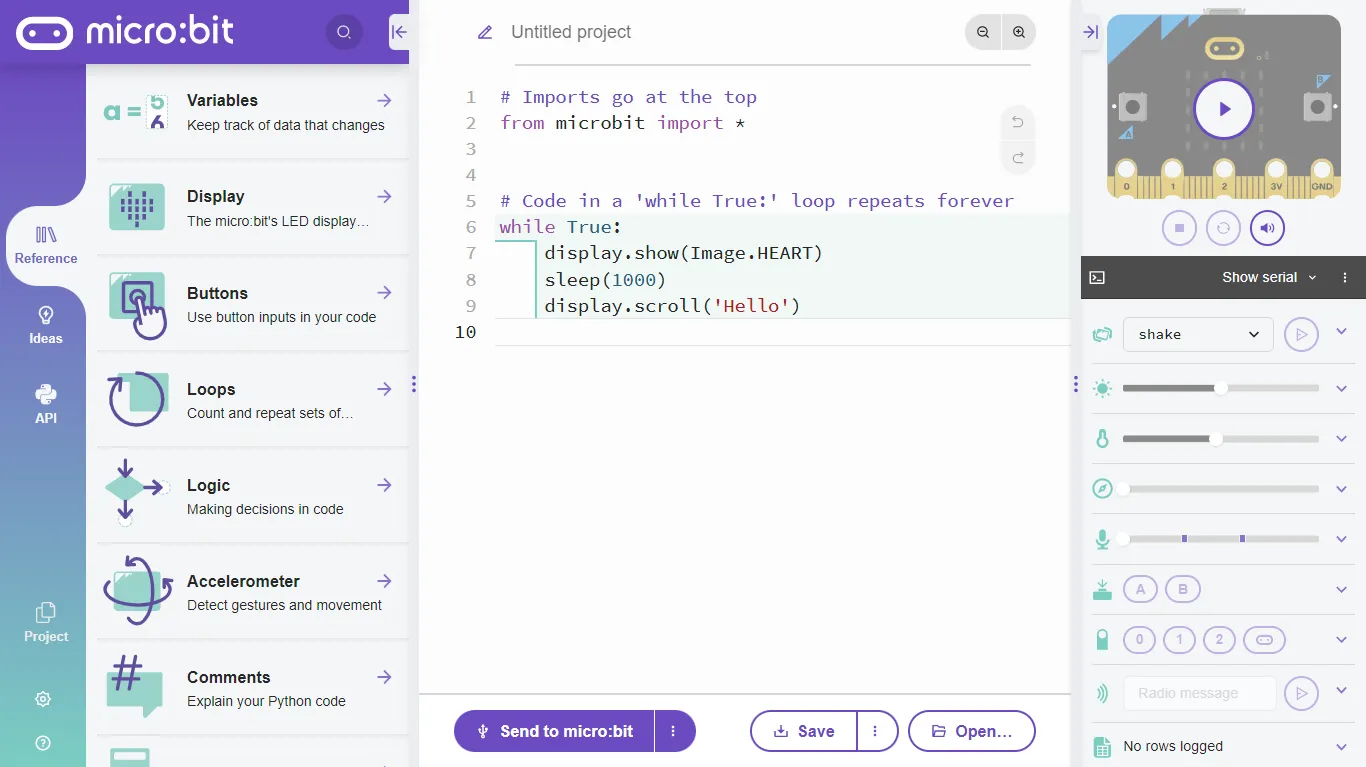
})# python.microbit.org - the classic first program.
from microbit import *
while True:
display.scroll("Hello, Embed Club!")
display.show(Image.HEART)
sleep(500)from microbit import *
count = 0
while True:
if button_a.was_pressed():
count += 1
display.scroll(count)
if button_b.was_pressed():
count = 0
display.show(Image.SQUARE)